 COME
COMECOME self-service tools and help topics
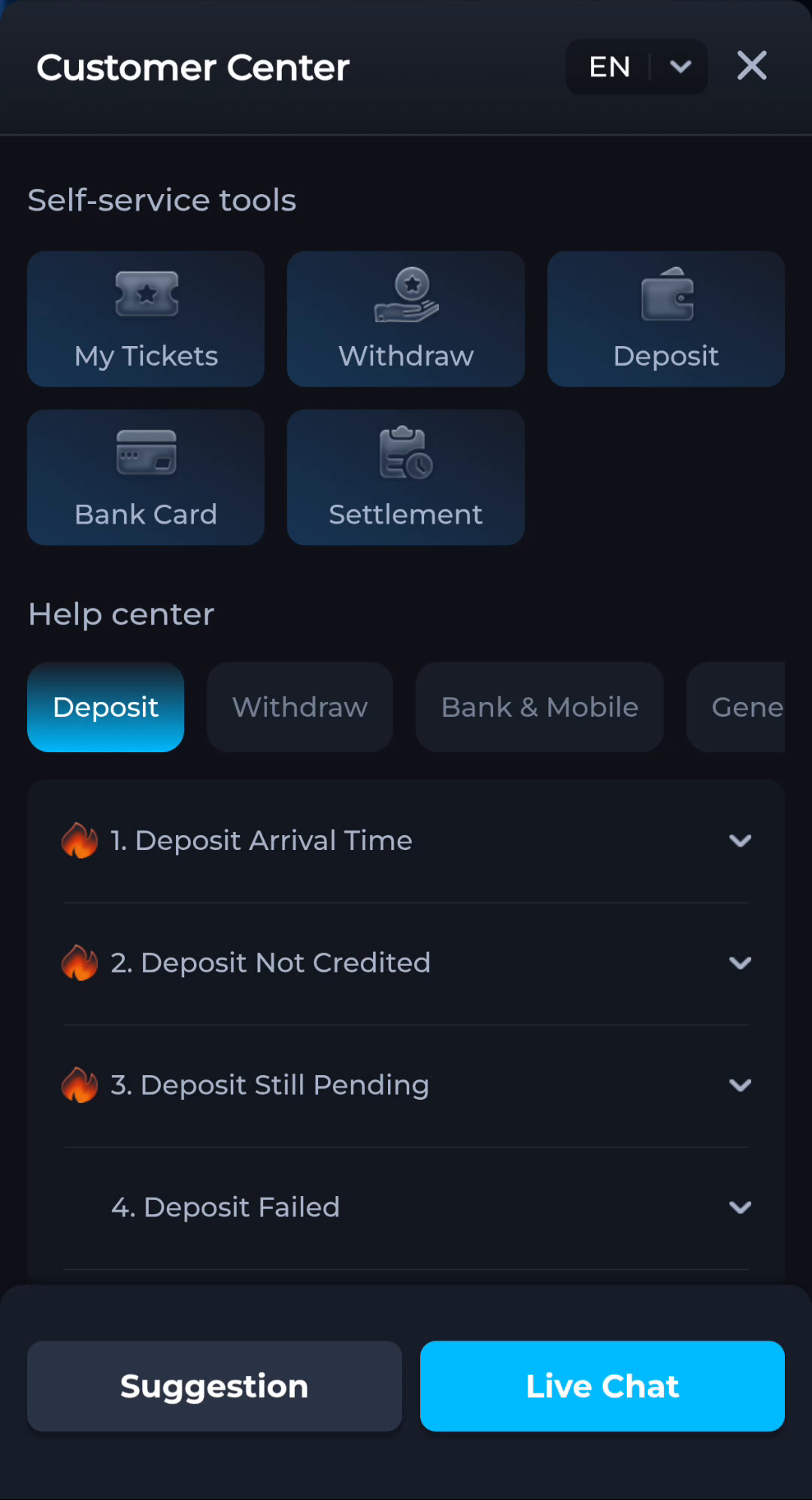
Customer Center separates self-service tools from help topics. Choose a tool for its named account task and a topic when you first need an explanation of a symptom.
Read the two groups independently
My Tickets, Withdraw, Deposit, Bank Card and Settlement appear in the self-service area. Below, the Help center groups articles into categories such as Deposit, Withdraw and General. Similar words in those groups do not make a help article a completed transaction.
Match the question before taking an action
If you need to understand a pending status, begin with the relevant explanation and existing record. Do not initiate another payment as a way to find an article. A help heading provides information; it does not approve or finish an account operation.
Before moving to another task
Keep the current screen and the action you just took in mind. A menu label helps you locate information, but account changes, download completion and support decisions each need their own result. If the interface differs, match the actual label and context rather than following a memorised screen position. For a personal service question, stay with the recognised in-app help route and keep private access details out of public posts.
A practical example
Deposit Still Pending is a topic label. Reading it is different from opening the Deposit self-service tool. The first can help identify the question; the second belongs to a separate action context.
What a completed answer looks like
You can distinguish the explanation route from the account-action route and choose the one that matches your immediate need.
Choose another specific COME guide